App Reviews

Golf Launch Monitor App: What They Measure (and Miss)
Ball-flight data — and the short game gap
June 9, 2026 · 8 min read · Stephen Pickering
Ball-flight data — and the short game gap
June 9, 2026 · 8 min read · Stephen Pickering
Key takeaway: A golf launch monitor app puts ball speed, spin and carry on your phone — great for full-swing yardages, but it measures almost none of the 60% of shots inside 100 yards. Pair it with structured short game drills (SIM Lab) to cover the scoring shots it ignores.
A golf launch monitor app turns your phone into a data station. Pair it with a small radar or camera unit — or in some cases just use the phone’s own camera — and you get ball speed, launch angle, spin, carry distance and club path on every full swing. Ten years ago that data lived only inside a £15,000 machine in a fitting bay. Now it’s a download.
For dialling in your full swing and your yardages, that’s genuinely useful. But a launch monitor app measures a specific slice of the game — full-swing ball flight — and it’s worth being clear about what it does brilliantly, where the cheaper ones get shaky, and the part of your scoring it can’t see at all.
The core job of any launch monitor app is ball flight. The good ones report ball speed, launch angle, spin rate, carry and total distance; the better ones add club-side data like club head speed, club path and face angle. That’s the data you want when you’re building a yardage chart or chasing more distance off the tee — you can see exactly what changed when you tweak something, instead of guessing from where the ball landed.
There are two tiers. Phone-camera-only apps use your device’s camera to estimate ball data — cheap or free, fine for ballpark numbers, but they struggle with spin and short shots and need good light and careful setup. Device-paired apps connect to a radar or photometric unit (the kind you’d buy for a home sim) and feed far more accurate numbers into the app. Know which tier you’re in before you trust the readout: a phone-only app guessing your spin rate is a guide, not gospel.
Here’s the catch. A launch monitor app lives and dies on full-swing ball flight, but around 60% of your shots happen inside 100 yards — chips, pitches, bunker shots and putts. On a 15-yard chip there’s barely any ball speed to read and no club path that matters, so the app has little to say. You can know your 7-iron spins at 6,200 rpm and still have no idea whether your wedge from 40 yards finishes 6 feet or 16 feet from the hole.
Even on the full swing, a launch monitor app hands you numbers — it doesn’t tell you what to do with your range time or whether you’re getting better at scoring. It’s a measuring tool, not a coach or a structured session. Numbers without a plan is just expensive feedback.
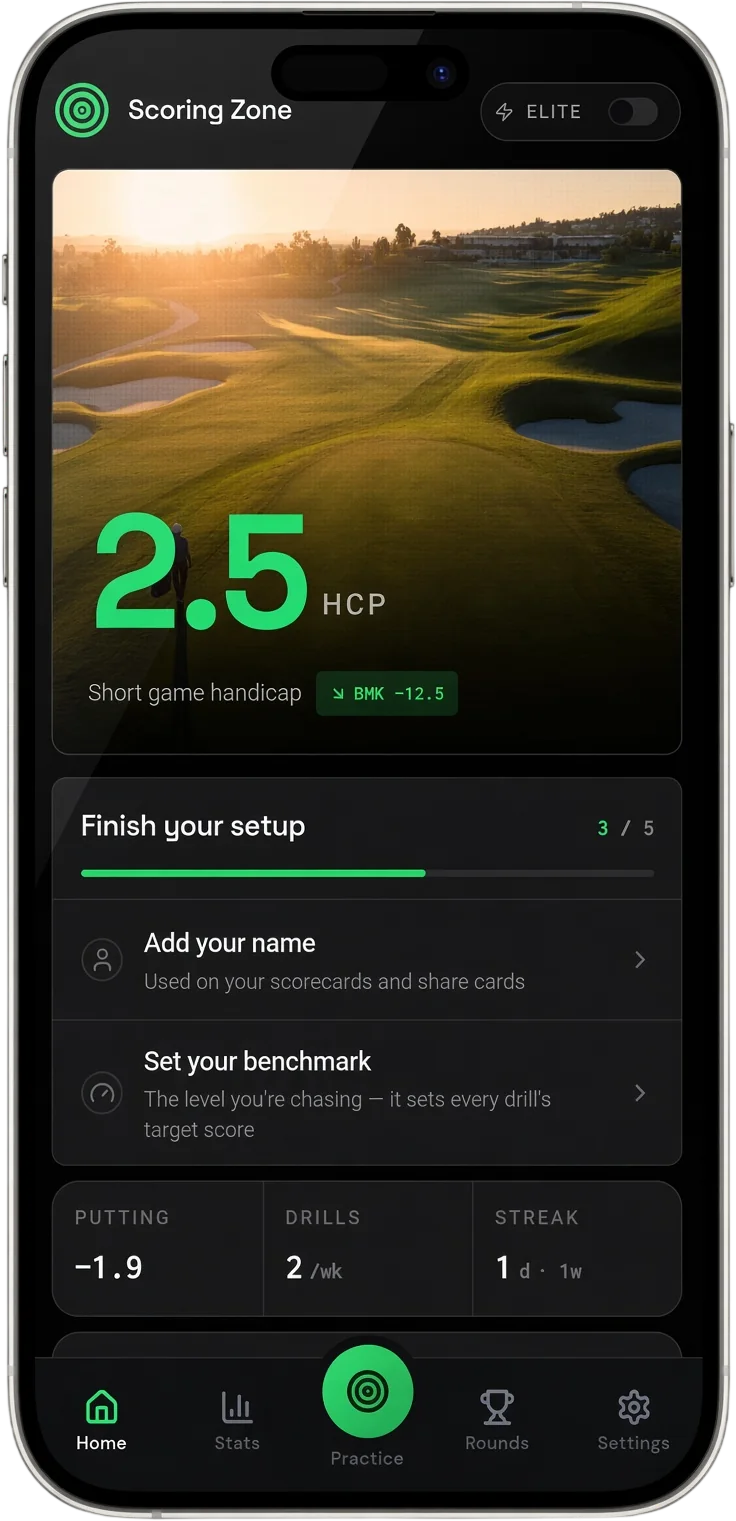
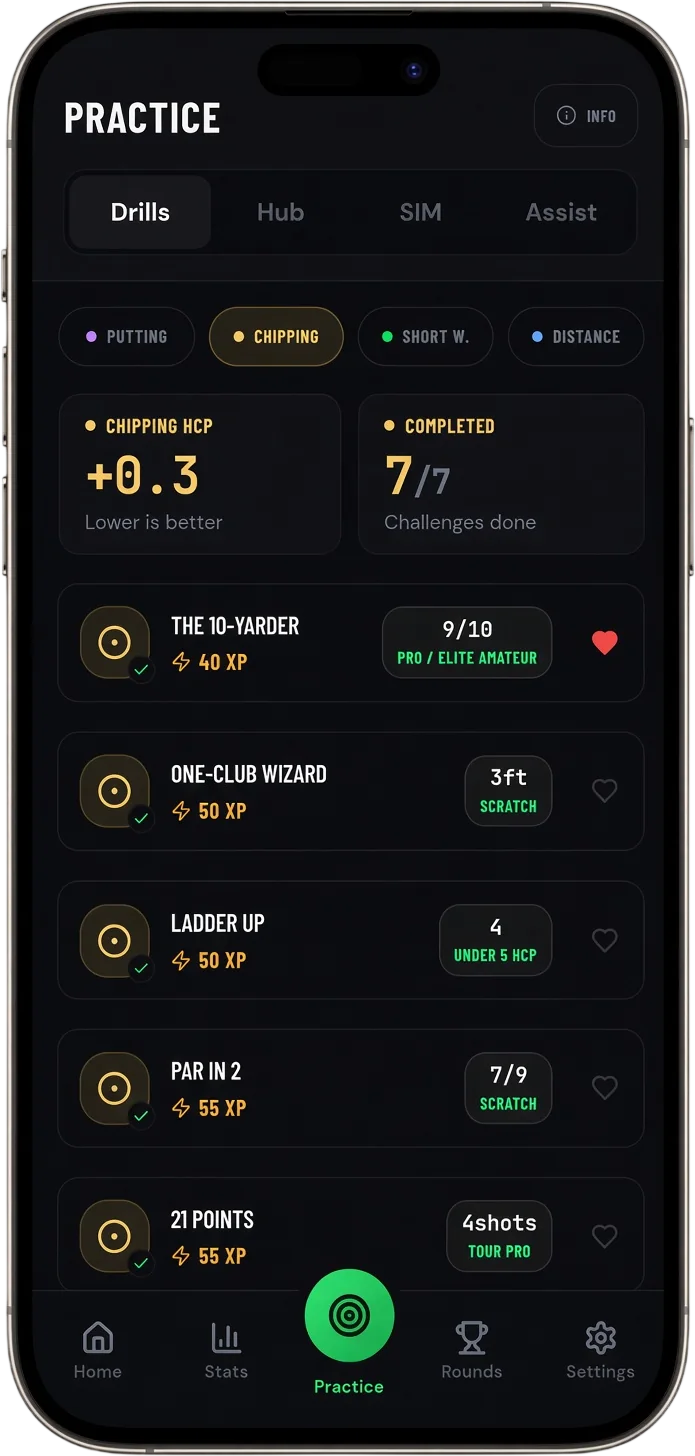
The smart setup is to use a launch monitor for what it’s great at and bolt on something that measures the scoring shots it ignores. If you’ve got a launch monitor or a home sim, you’ve already got the perfect environment to drill wedges and pitches with real distance feedback — you’re just missing the structure. That’s exactly what Scoring Zone’s SIM Lab is built for: challenges like Dial-in 20 for distance-control mastery, the Random Pitch Seeker for 20 pitches from 50–100 yards, and the Chipping Proximity Gauntlet from 10–50 yards, where you record your distances and get a score to beat.
It turns a launch monitor session from “hit balls and watch numbers” into structured short game practice with stakes. Pair the two and you cover the whole game — ball flight on the full swing, proximity and consistency on the scoring shots.
See the simulator challenges that turn launch monitor time into scored practice.
SIM Lab →The 60% of your game a launch monitor can’t see is where the fast gains are.
How to Improve Golf Scores Without Changing Your Swing →It depends on the tier. Device-paired apps that connect to a radar or photometric unit are accurate enough for serious practice and club fitting. Phone-camera-only apps give useful ballpark numbers for ball speed and carry but are less reliable on spin and short shots, and they need good light and careful alignment.
Sort of. Camera-based apps use your phone to estimate ball data and can give you a reasonable read on speed and carry, but they can’t match a dedicated radar or photometric unit — especially for spin and shorter shots. They’re a low-cost way to get directional feedback, not lab-grade numbers.
Not on their own. They’re built around full-swing ball flight, so they offer little on chips, pitches and putts — which make up most of your shots. The fix is to pair the launch monitor with a structured short game app that scores proximity and distance control, so the scoring shots get measured too.
Use it for full-swing yardages and ball-flight changes, then add structured short game challenges for the wedges and pitches it ignores. Drills that ask you to hit to a target distance and record the result — like distance-control and proximity challenges on a sim — turn raw numbers into practice that actually lowers your scores.
7 days free
Then from $4.99/month · Cancel anytime
Start your 7-day free trial
35+ drills & tests · Short Game Handicap · Performance tracking