App Reviews
Best Putting App for iPhone in 2026: Honest Comparison
PuttView, V1 Putt, Scoring Zone — Which One Actually Improves Your Stroke
April 19, 2026 · 7 min read · Stephen Pickering
PuttView, V1 Putt, Scoring Zone — Which One Actually Improves Your Stroke
April 19, 2026 · 7 min read · Stephen Pickering
Key takeaway: The best putting app for iPhone depends on the problem. PuttView for green-reading. V1 Putt for stroke mechanics. Scoring Zone for scored drills with pressure mechanics and short-range accuracy. The best putting apps combine structured drills, scored outcomes, and session-to-session tracking — most apps deliver only one of the three.
Most putting apps for iPhone fall into two buckets: pretty green-reading tutorials that look great but don’t transfer to the course, or basic practice loggers that record what you did without telling you whether it worked. A good putting app does neither. It gives you structured drills, scores your results, and tracks whether you’re improving over time. Here’s an honest comparison of the best putting apps for iPhone in 2026 — what each does well, and which one fits your putting problem.
Rolling 30 putts on a mat and tapping a counter isn’t practice. Rolling 10 putts from 40 feet, measuring how many finish within a 3-foot zone, and comparing that to your last session — that’s practice.
A good putting app puts a scoring system on every drill so you know whether you’re getting better. Not just “I did it” but “I made 7 out of 10 and last week I made 5 out of 10.”
The reason practice putts don’t translate to the course is pressure. On the practice green, a miss costs nothing. On the course, a missed 5-footer means a bogey. The best putting apps bridge that gap with consecutive-make requirements — miss a putt and your streak resets to zero.
That reset mechanic is what turns rolling balls into pressure practice. If your app doesn’t have it, you’re not training your mental game.
One session tells you nothing. Eight sessions in a row tell you whether you’re improving. Apps that show trend data across sessions — proximity averages, make rates, streak lengths — give you the honest feedback a notebook never could.
If an app only shows today’s results and forgets by next week, it’s a practice log, not an improvement tool.
PuttView Books is the iPhone version of the PuttView system used by many tour pros. It’s built around green-reading training: feed it a slope, put a virtual ball on a digital green, and see the ideal line and speed.
Strengths: Best-in-class green-reading training. Detailed slope and break visualisations.
Weaknesses: Not a drill app. It teaches you how to read greens but doesn’t score your actual putting. Pricing is on the higher end ($15+/month for full features).
Who it’s for: Golfers who already putt well mechanically but misread greens. If your issue is speed and line selection, not stroke execution, this is the right app.
V1 Putt uses your iPhone camera to record and analyse your putting stroke. You can see frame-by-frame playback, face angle at impact, and stroke path.
Strengths: Good for swing analysis nerds. Useful paired with a coach who can interpret the data.
Weaknesses: Heavy on analysis, light on structured practice. Without a coach guiding what to look for, you can spend hours recording strokes without making measurable progress.
Who it’s for: Golfers working with a putting coach who uses video review as part of lessons.
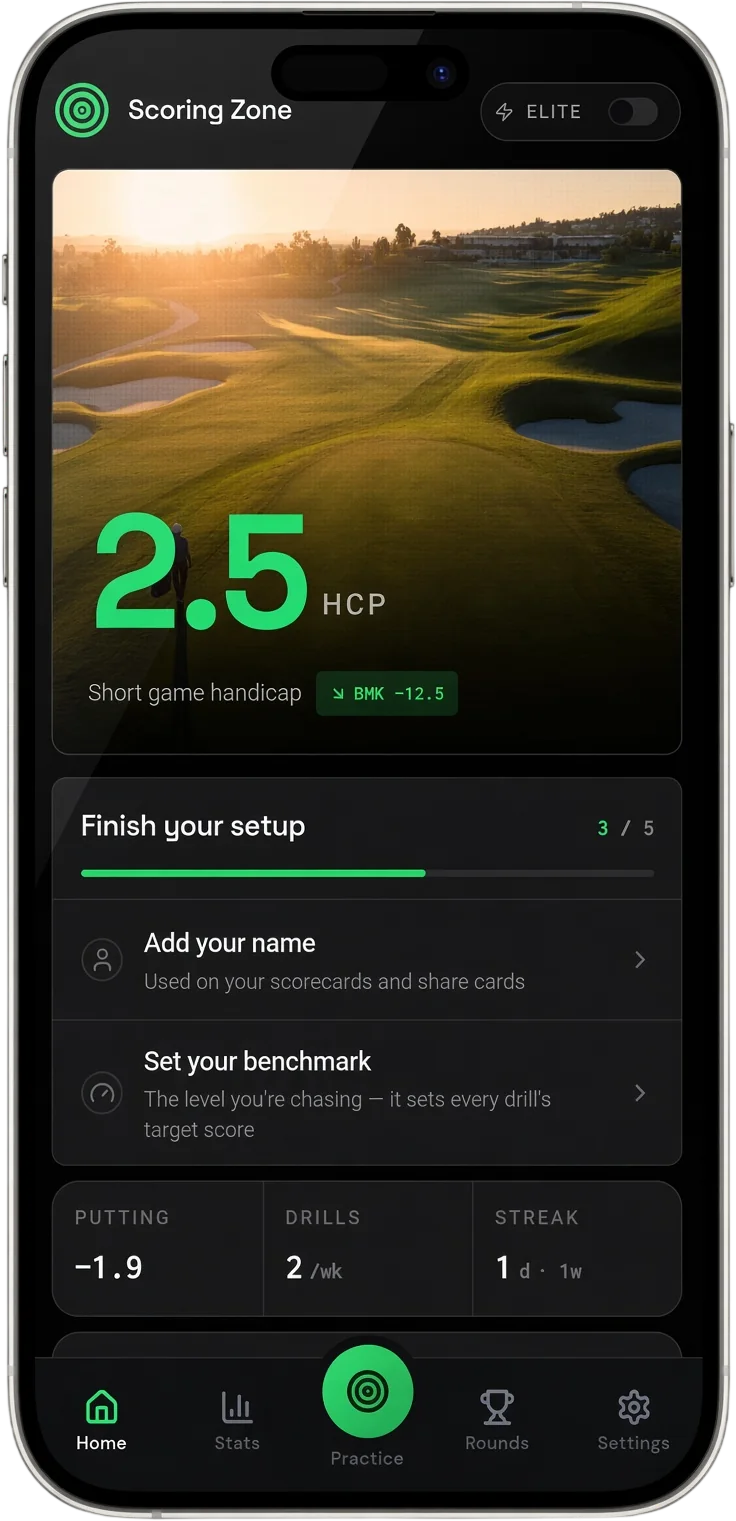
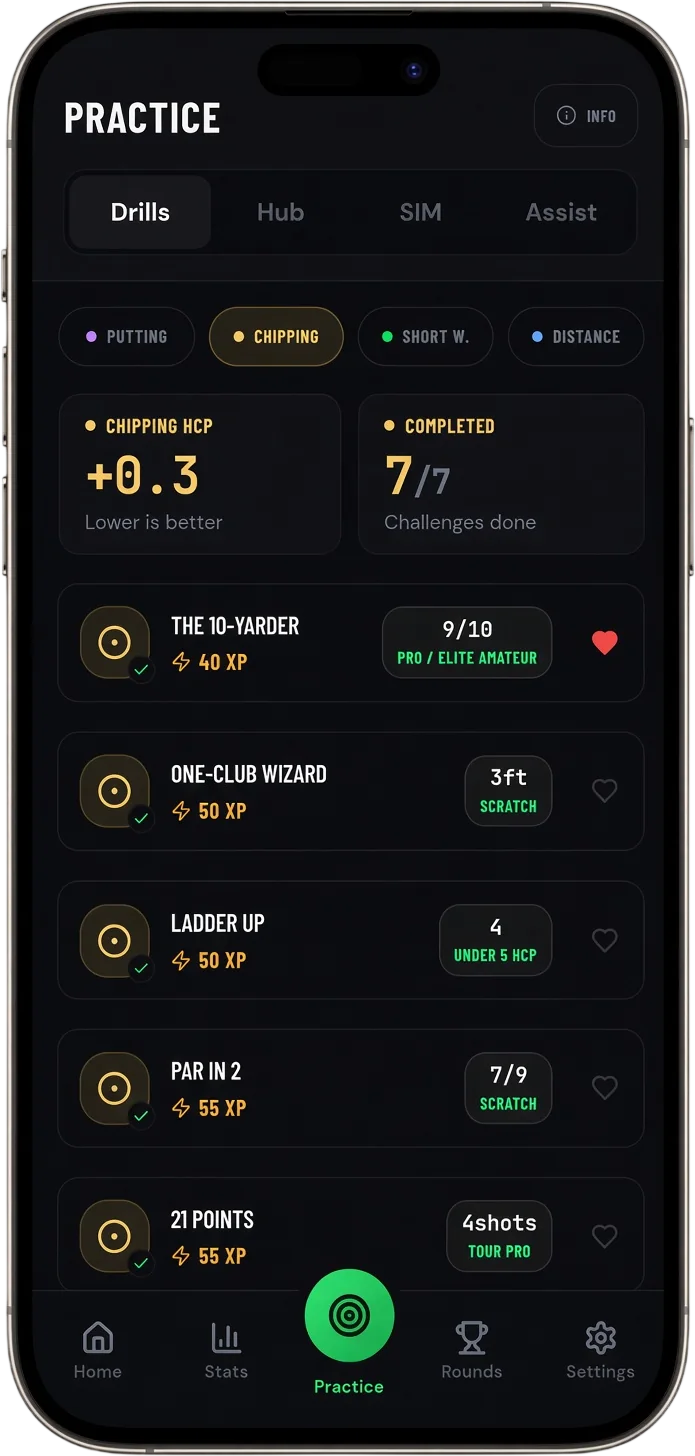
Scoring Zone is a full short game practice app with a dedicated putting drill library. It covers the gap the other two apps miss: scored drills with built-in pressure and session-to-session tracking.
The putting drill library includes:
- Five-Foot Circle — 10 consecutive makes from 5 feet, reset on miss, 15-minute timer - Lag King — 10 putts from 40+ feet, measuring how many finish within 3 feet of the hole - Deathstar Drill — 16 consecutive makes from 3, 4, 5, and 6 feet, reset on any miss - Clock Drill — 8 balls around the hole at 6 feet, all 8 must go in - Clutch Putt Challenge — pressure putting from 3–6 feet (Performance Hub)
Every drill is scored. Every session is logged. Trend data shows whether your make rates are climbing across weeks.
Strengths: Deep drill library, scored results, built-in pressure mechanics, completely free for 7 days. iOS PWA installs directly from Safari.
Weaknesses: Not focused on green-reading or stroke analysis — doesn’t replace PuttView or V1 Putt in their specific areas. You’ll still need a launch monitor or mat for distance-based drills.
Who it’s for: Golfers who want structured, scored putting practice that simulates course pressure.
Full putting drill breakdown with scoring systems for each.
See Putting Drills →Arccos includes putting stats as part of its full-round tracking. You get strokes gained putting data across every round, average proximity by distance, and three-putt frequency.
Strengths: Round-level data with no manual entry. Useful for identifying whether putting is your biggest strokes gained leak.
Weaknesses: It’s round data, not practice data. Arccos tells you that you three-putt 3 times per round on average — but doesn’t give you drills to fix it.
Who it’s for: Golfers using Arccos for all-round tracking who want putting stats as part of the package.
TheGrint offers basic putting stats as part of its scoring app, built from manually entered round data. It shows you trends over time and comparisons to handicap averages.
Strengths: Free with the main app. Handicap-based benchmarking.
Weaknesses: Only as good as your manual entry. No drill component or practice structure.
Pick PuttView Books. It’s the best green-reading tool on iPhone. You’ll learn to read slopes, predict break, and pick better lines. Pair it with actual practice on a real green — PuttView teaches the reading, the practice makes it automatic.
Pick V1 Putt or a launch monitor app like SuperSpeed Golf. Video analysis only helps if you have someone interpreting the data — a coach, a teaching pro, or clear reference material. Don’t buy a swing analysis app expecting it to coach you through the data itself.
Pick Scoring Zone. The scored drills and pressure mechanics address exactly these gaps: short putts you’re missing when it matters, lag putts that leave 5-footers, and the mental game that breaks down under consequence. Free for 7 days, installable as a PWA directly from Safari on iPhone.
Further reading on apps built specifically for putting improvement.
Best App to Improve Putting →Run two apps. Use PuttView for green-reading theory at home, then head to the practice green with Scoring Zone’s scored drills for real-world execution. That’s the combination most improving golfers end up with.
It depends what you’re trying to fix. PuttView Books leads for green-reading. Scoring Zone focuses on scored putting drills and pressure challenges for distance control and short-range accuracy. V1 Putt uses your phone camera for stroke analysis. Most improving golfers use a combination.
Putting apps work when they combine structured drills, scored outcomes, and session-to-session tracking. Apps that just play videos or log practice sessions without scoring them don’t produce measurable improvement. Look for streak-based drills with reset rules and built-in benchmarks.
Yes. Most putting apps work with a standard indoor putting mat. The phone provides the drill structure, scoring, and tracking — the mat provides the surface. A 2-foot by 10-foot mat is enough for most short-range drills.
A few offer free tiers. Scoring Zone is free for 7 days — full drill library, Performance Hub, and session tracking at no cost. Most paid putting apps range from $5–$15/month for premium features.
7 days free
Then from $4.99/month · Cancel anytime
Start your 7-day free trial
35+ drills & tests · Short Game Handicap · Performance tracking