Product Guide

How to Use Scoring Zone: The Golf Short Game App for Real Progress
Scored Drills, Personalised Practice Plans & Round Stat Tracking
March 22, 2026 · 10 min read · Stephen Pickering
Scored Drills, Personalised Practice Plans & Round Stat Tracking
March 22, 2026 · 10 min read · Stephen Pickering
Most golfers practise their short game the same way. Head to the chipping green, hit a few chips. Knock some putts around. Call it a session. Nothing gets tracked, nothing gets scored, and nothing gets better.
If you’re searching for a golf short game app that goes further than logging your handicap, the answer isn’t a different app. It’s a different way to practise. Structured, scored short game practice is what separates golfers who improve from golfers who repeat the same habits round after round.
This guide covers five things: why most short game practice fails, how to fix it, the drills that work, a 20-minute session you can run this week, and the data that proves whether it’s working.
Practice without feedback is just repetition. You hit the same chip to the same flag, finish the bucket, and walk off feeling like the session was productive. Your handicap doesn’t agree.
The problem is that random hitting has no success criteria. There’s no target score, no consequence, and no way to know whether you improved. Without those three things, there’s no real practice — just movement that feels like practice.
Without a structured golf practice plan, sessions drift toward shots you already hit well. The flat chip from a clean lie. The five-footer on a straight line. These feel satisfying. They’re also the shots least likely to lower your scores.
The shots that actually cost strokes — the tight lie chip, the downhill six-footer with a match on the line — rarely make it onto the practice green unless something forces them there. Pressure doesn’t show up in comfortable practice. And the course is full of it.
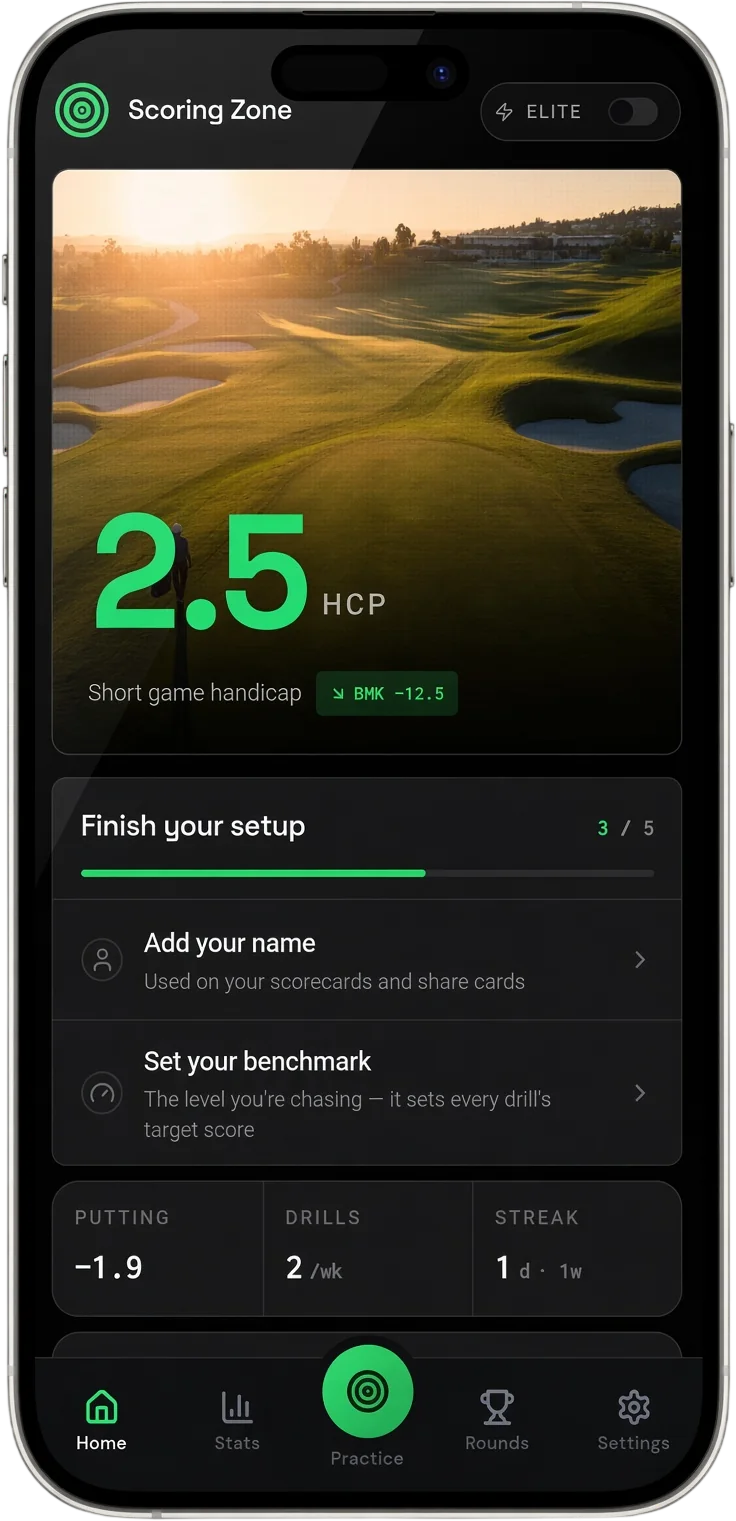
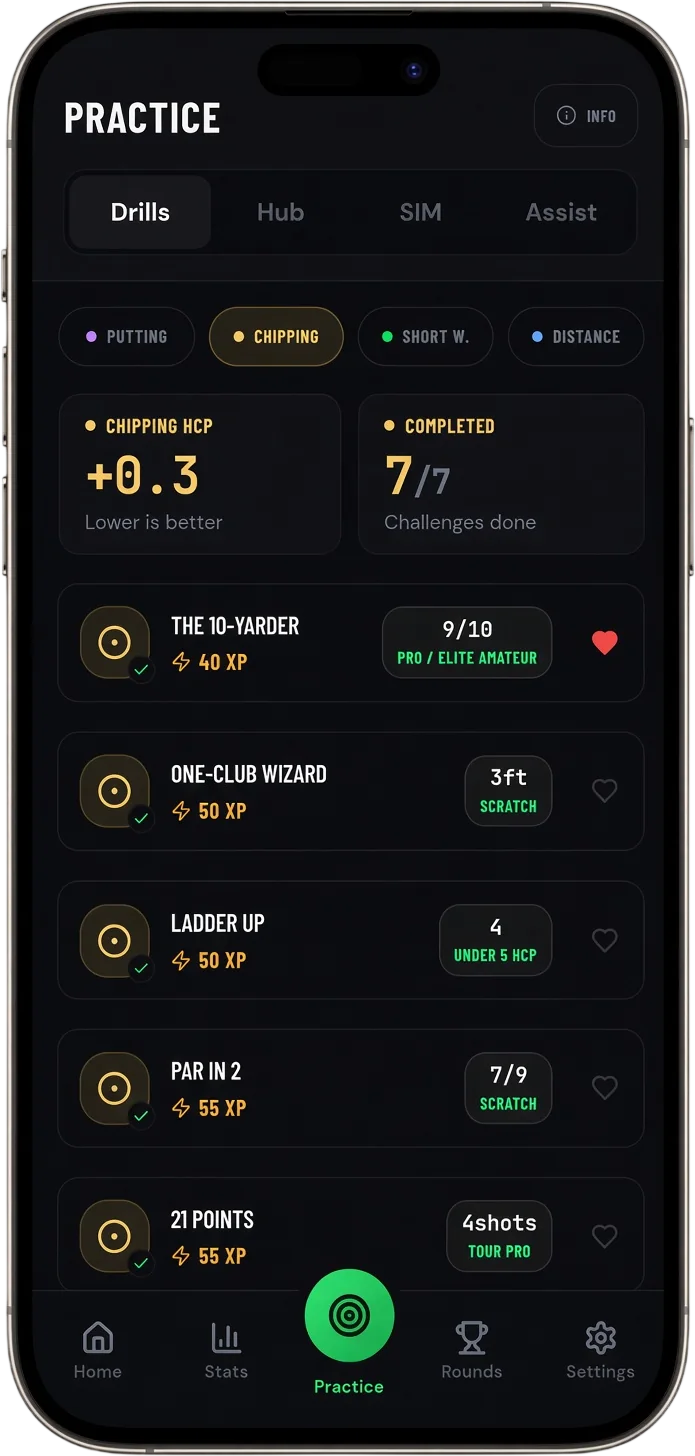
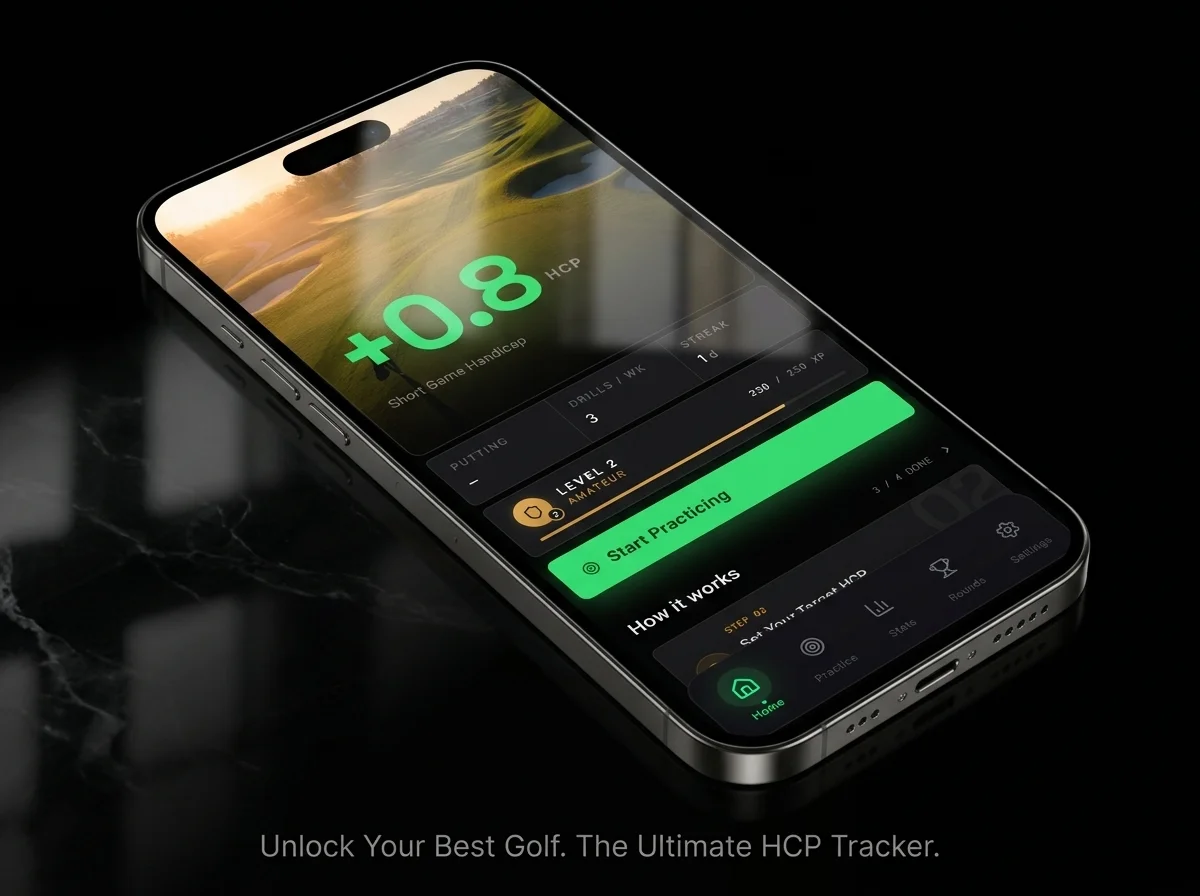
Scoring Zone is a golf short game training app built around scored challenges, real benchmarks, and round stat tracking. You don’t decide what to practise — you pick a drill category, run a scored challenge, and get a result you can measure against a target.
Every drill has a score. Every score has a benchmark. Over sessions, the data shows you where improvement is happening and where it isn’t. That clarity is the gap most golfers never close — not because they lack commitment, but because they’ve never had a system.
Putting, chipping, pitching, and bunker drills — every one scored so you always have a number to beat next session.
Track up-and-down percentage, sand saves, putts per round, and strokes gained — round by round, over time.
Earn XP for every drill. Level up. Chase personal bests. Compete on leaderboards. Practice becomes a game.
Most golfers who three-putt don’t have a stroke problem. They have a distance problem. The first putt rolls out four feet long or leaves a downhiller. The second putt becomes a pressure putt that should never have existed.
Distance control is a skill. It responds to deliberate, scored repetition. It does not respond to casual putting. Scoring Zone’s putting drills are built around this exact principle — every challenge has a distance component, a scoring target, and a benchmark that tells you where you actually stand.
Set up at 20, 30, and 40 feet from the hole. Your target isn’t to hole the putt — it’s to finish within a 3-foot circle. Hit five putts from each distance. Score 1 point for finishing inside the circle, 0 for outside. Target: 12 out of 15.
The lag ladder rewires your instinct from aiming at the hole to controlling pace. After three or four sessions, you’ll find second putts getting shorter without consciously trying.
Place two tee pegs just wider than your putter face, directly behind the ball. Putt from 6 feet. The gates give instant feedback on path — a twisting stroke clips the tee. Hit 10 in a row without clipping. Restart if you do.
This is the fastest drill for cleaning up a flinch at impact. One session is often enough to feel a real difference in your contact quality.
Place 5 balls in a circle at 4 feet from the hole. Hole every one before moving back to 5 feet. Hole every one before moving to 6 feet. Miss at any distance and restart from 4 feet.
By the time you’re standing over the 6-footer having already made nine in a row, you understand exactly what golf pressure practice drills feel like — and why they transfer to the course when nothing else does.
Want scored versions of these drills with automatic tracking and benchmarks?
See Putting Drills →Tour professionals convert around 55–60% of their greenside up-and-down opportunities. Club golfers sit closer to 20–25%. That gap is the single biggest scoring opportunity outside putting — and most golfers never directly practise it.
Improving your chipping means two things: picking the right shot, and executing it under a consistent standard. Both can be practised. Neither should be left to feel.
Pick a specific landing spot on the green — not the flag. A patch of short grass, a particular blade, an exact target. Chip to that spot. Score 2 points for landing within a club length of your target, 1 point for finishing in one-putt range, 0 otherwise. Hit 10 chips. Target: 14 out of 20.
This drill shifts your focus from outcome to process. Landing zone precision transfers directly to cleaner approach angles and more one-putt setups.
Set up from four different positions around the green — one clean lie, one tight lie, one from light rough, one from an awkward angle. Chip and putt out from each position. Score 1 point per up-and-down. Target: 3 out of 4.
Rotate positions each session so you’re never repeating the comfortable shot. The goal is four different problems, not one problem four times.
One ball. One shot. Thirty seconds to visualise, thirty seconds to execute. The time constraint forces a real pre-shot routine instead of hovering over the ball. Score: up-and-down (2 pts), on the green in one (1 pt), miss (0). Hit 8 pressure chips per session.
The constraint replicates the rhythm of a real round. The more you practise under time pressure, the more natural your pace of play becomes when it counts.
Track your up-and-down percentage and see how your chipping benchmarks trend over time.
See Chipping Drills →Short game practice without data is effort without direction. The numbers that matter are: up-and-down percentage, putts per round, three-putt percentage, and proximity from greenside positions. Most club golfers don’t track a single one.
Scoring Zone’s Round Stats tracks all of it for you — round by round, with trend data that shows whether your practice is actually closing the gap. That’s what a golf strokes gained app should deliver: not a snapshot after one round, but a pattern across many.
Log your stats after each round — it takes under two minutes. After five or six rounds, the trends become visible. Where are the strokes going? Lag putting? First chip execution? A specific miss from a particular distance or lie type?
That data is what your practice should be built around. Not the shot you’re still annoyed about from the drive home. Not the part of your game that feels comfortable to work on. The actual numbers.
See the full stats dashboard — strokes gained, up-and-down rate, putting averages, and trends over time.
Round Stats →Scoring Zone uses gamification to solve the biggest problem in golf practice: motivation. Every drill you complete earns XP. Beat your handicap benchmark and earn a 2x bonus. Crush it by two levels above your benchmark and earn a 3x super bonus. The XP adds up, you level up, and the drills get harder as you improve.
Leaderboards let you compete against other golfers at your level. Achievements and badges mark milestones — your first drill completed, your first benchmark beaten, your first Elite score. Personal bests are tracked for every drill so you always have a number to chase. This isn’t gamification for the sake of it. It’s the same principle that makes the course engaging — a score, a target, something on the line — applied to every practice session.
Here’s what a structured short game session looks like when you put the pieces together. No decisions. No wasted time. Just scored reps and results.
Five balls from 10 feet. No scores, no pressure. Focus entirely on pace — feel how the green is running, let your hands recalibrate. Move through each putt quickly, no more than 30 seconds per ball. You’re calibrating touch, not practising yet.
Run the Up-and-Down Circuit from four positions. Chip and putt out from each. One rotation takes about seven minutes at a steady pace. Score every position. If you finish below 3 out of 4, note which lie type cost you and target it next session.
Set up at 20, 30, and 40 feet. Five putts from each distance. Score every putt against the 3-foot circle standard. A clean session — 12 or more points — after the physical effort of chipping is meaningful. A drop in score tells you distance control under fatigue is a weak point, not a technique issue.
One pressure putt from 5 feet. One pressure chip from a tight lie. No second chances. Score both. Write the result down. Two minutes. Two reps. Full consequence.
That’s the session. Twenty minutes, three categories, actual scores. This is the difference between practice that builds a pattern and practice that fills time.
The fastest way to improve your short game with an app is to replace random hitting with scored drills that track performance over time. A structured golf short game app gives you benchmarks for putting and chipping, a practice plan built around your weaknesses, and data from your rounds — so improvement is measurable, not just a feeling.
The best app to lower your golf handicap is one that combines scored practice drills, round stat tracking, and a personalised session plan. Tracking your up-and-down percentage and putts per round shows you exactly where strokes are going. A golf strokes gained app lets you measure whether your practice is actually closing that gap — or just making you feel better about it.
Scored golf drills give every practice rep a number — points for proximity, up-and-downs made, or putts holed under pressure. Without a score there is no standard. Without a standard there is no meaningful feedback. Scored drills create accountability, force focus, and give you a baseline you can track from session to session. Without them, you’re just hitting balls.
Yes. Putting drills like the Gate Drill, Pressure Circle, and Lag Ladder can all be done indoors on a putting mat. Chipping drills need a short game area or practice ground. Round stats can be logged from anywhere after a round. A golf practice tracker app doesn’t require a full facility — it just requires that you use it consistently.
Every Scoring Zone plan starts with a 7-day free trial with full access to all drills, stats, and gamification features.
Yes. Scoring Zone tracks strokes gained relative to your handicap benchmark. You can see strokes gained putting, strokes gained around the green, and overall short game performance over time. This tells you not just your scores, but how you compare to the level you should be playing at.
Compare every golf practice app in one place.
Best Golf Apps Guide →7 days free
Then from $4.99/month · Cancel anytime
Start your 7-day free trial
35+ drills & tests · Short Game Handicap · Performance tracking