App Reviews
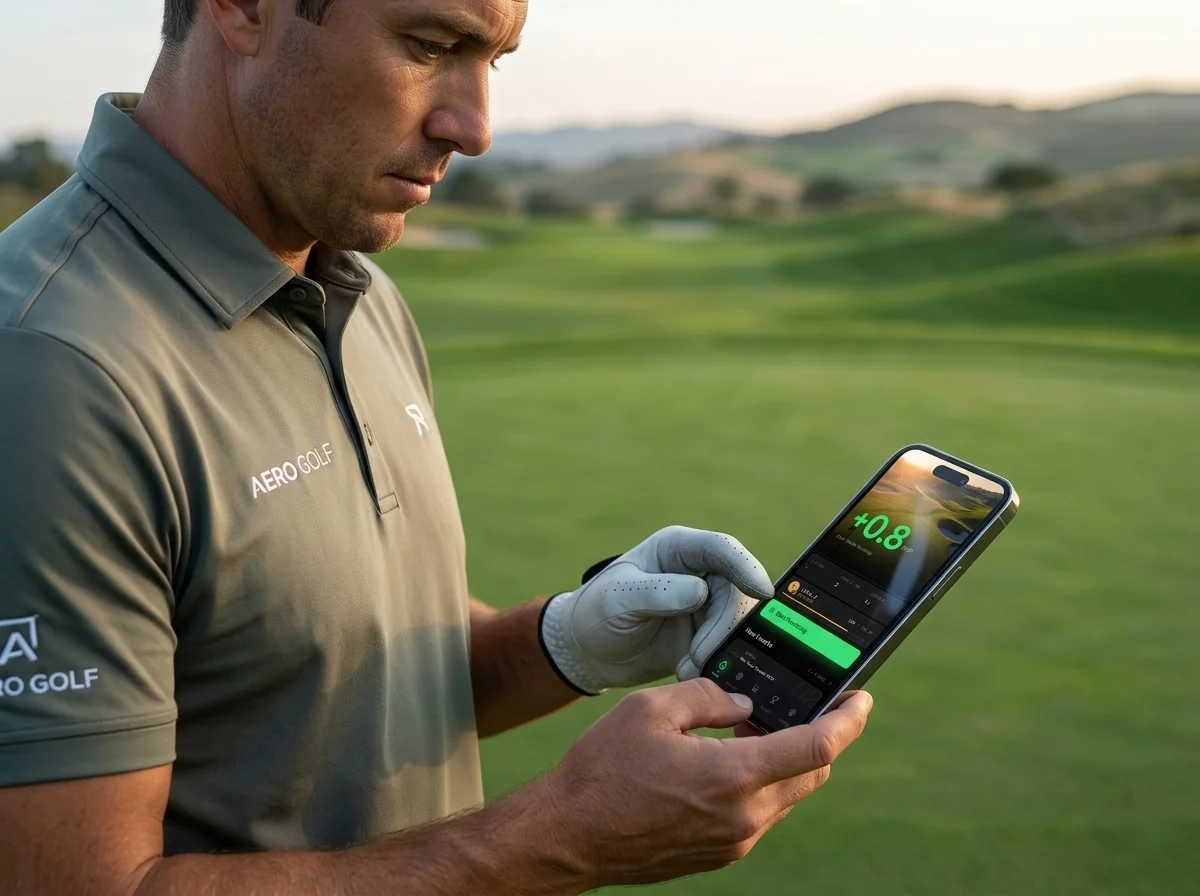
Golf App Review 2026: An Honest Guide to Picking the Right One
Tracking, Practice, Coaching — Category-by-Category Comparison
April 19, 2026 · 9 min read · Stephen Pickering
Tracking, Practice, Coaching — Category-by-Category Comparison
April 19, 2026 · 9 min read · Stephen Pickering
Key takeaway: There’s no single best golf app — it depends what you’re trying to fix. GPS apps track rounds. Practice apps structure improvement. Swing apps record mechanics. The golfers who improve fastest run two complementary apps: one for on-course data, one for structured practice. All-in-one apps cover everything poorly.
Quick verdict by category: Best for practice — Scoring Zone (scored short game drills). Best for GPS + scorecard — 18Birdies (free tier handles 90% of needs). Best for stat tracking — Arccos or Shot Scope. Best for course management — DECADE Golf ($7.99/mo). There are 150+ golf apps on the stores; only a handful are genuinely worth the install.
This golf app review tests the five apps most golfers actually shortlist — what each one does well, where each falls short, what it costs, and which type of golfer should download which. Honest strengths and weaknesses, no affiliate hype. Here’s how they compare at a glance:
| Golf App | Category | Price | Best For | Rating |
|---|---|---|---|---|
| Scoring Zone | Practice & short game | 7-day free trial, then from $4.99/mo | Improving between rounds | 4.8 / 5 |
| Arccos Caddie | Shot tracking | ~$100/yr + sensors | Strokes gained data | 4.5 / 5 |
| Shot Scope | Shot tracking | ~$200 one-time | Tracking without subscriptions | 4.4 / 5 |
| 18Birdies | GPS & scoring | Free / ~$50/yr | On-course yardages & scoring | 4.3 / 5 |
| Golfshot | GPS & scoring | Free / ~$30/yr | Cheapest paid GPS | 4.0 / 5 |
The rest of this review breaks down each app in depth, with a one-line verdict and the honest pros and cons for every one.
These apps log your shots, score, and round data. The best ones use sensors (Arccos) or GPS watches (Shot Scope) to do it automatically, so you’re not typing data on every hole.
Best in category: Arccos Caddie, Shot Scope V5, TheGrint
Who they’re for: Golfers who play regularly and want strokes gained data to identify where they’re losing shots.
The trade-off: Fully automated tracking requires sensors ($180+) or a watch ($250+). Manual entry is free but only works if you’re disciplined enough to log every shot.
These apps show you yardages to the front, back, and centre of greens, plus hazards and layup zones. Scoring is straightforward manual entry, with some stat tracking built in.
Best in category: Golfshot, 18Birdies, Swing by Swing
Who they’re for: Golfers who want quick yardages and score entry without hardware. Most have free tiers that cover basic GPS; paid tiers add features like hazard distances, club recommendations, and more detailed stats.
The trade-off: Stat tracking is shallow. You’ll know your average score but not why you’re scoring that way.
These apps focus on what happens between rounds: structured drills, scored challenges, and skill-building sessions you can run at home or on the practice green.
Best in category: Scoring Zone, PuttView, CORE Golf
Who they’re for: Golfers who’ve identified a specific weakness (short game, putting, pressure situations) and want a structured way to fix it.
The trade-off: They don’t replace your GPS app on the course. They’re tools for the 6 days a week you’re not playing a round.
These use your phone’s camera (or a dedicated unit) to record and analyse your swing. Some pair with AI coaching tools; others just give you frame-by-frame playback.
Best in category: V1 Sports, Zepp Golf 2, Sportsbox AI
Who they’re for: Golfers working on swing mechanics with or without a coach.
The trade-off: Recording your swing is only useful if you know what to look for. Without a coach interpreting the data, these apps can create more confusion than clarity.
Full category comparison of the top practice apps, ranked.
Best Golf Practice Apps 2026 →Arccos is the gold standard for automated shot tracking. Sensors screwed into your club grips detect every shot; the phone tracks GPS position. You get full strokes gained data across driving, approach, around-the-green, and putting — all without lifting a finger during rounds.
Strengths: Accuracy, comprehensive data, strong historical tracking.
Weaknesses: Cost ($180+ sensors plus annual subscription). No practice feature — Arccos tells you what went wrong, but doesn’t give you drills to fix it. Best used alongside a practice app.
Verdict: The best shot-tracking app if you’ll use it every round and want the deepest strokes gained data — just budget ~$300 for year one and pair it with a practice app. Rating: 4.5/5.
18Birdies is the most popular GPS and scoring app in the US. The free tier is generous, the UI is polished, and the social features (leaderboards, group rounds) make it sticky for casual golfers.
Strengths: Free tier, large user base, strong scorecard features.
Weaknesses: Stat tracking is basic. The drill suggestions and practice features feel bolted on — usable for light tracking but not for genuine short game improvement.
Verdict: The best free GPS and scoring app for most golfers — the free tier covers 90% of on-course needs. Skip Premium unless you want the social and stat extras. Rating: 4.3/5.
Golfshot has been around for over a decade and remains solid at what it does: GPS yardages, scoring, and basic round stats. The premium version adds club recommendations and detailed course previews.
Strengths: Reliable GPS, clean interface, works on Apple Watch.
Weaknesses: The app has aged. Practice and improvement features are minimal. It’s a round app, full stop.
Verdict: The cheapest reliable paid GPS app at ~$30/year. Worth it if you want Apple Watch yardages on a budget, but don’t expect improvement tools. Rating: 4.0/5.
Shot Scope competes directly with Arccos on automated tracking, using a wrist-worn GPS watch instead of grip sensors. The data output is comparable, and the pricing is more competitive in the UK and European markets.
Strengths: No subscription required after initial purchase. Watch format preferred by some golfers over grip tags.
Weaknesses: Watch battery life during longer rounds. Fewer course-mapping updates than Arccos in some regions.
Verdict: The best value in automated shot tracking — comparable data to Arccos with no recurring subscription. The smart pick if you’ll keep it two or more years. Rating: 4.4/5.
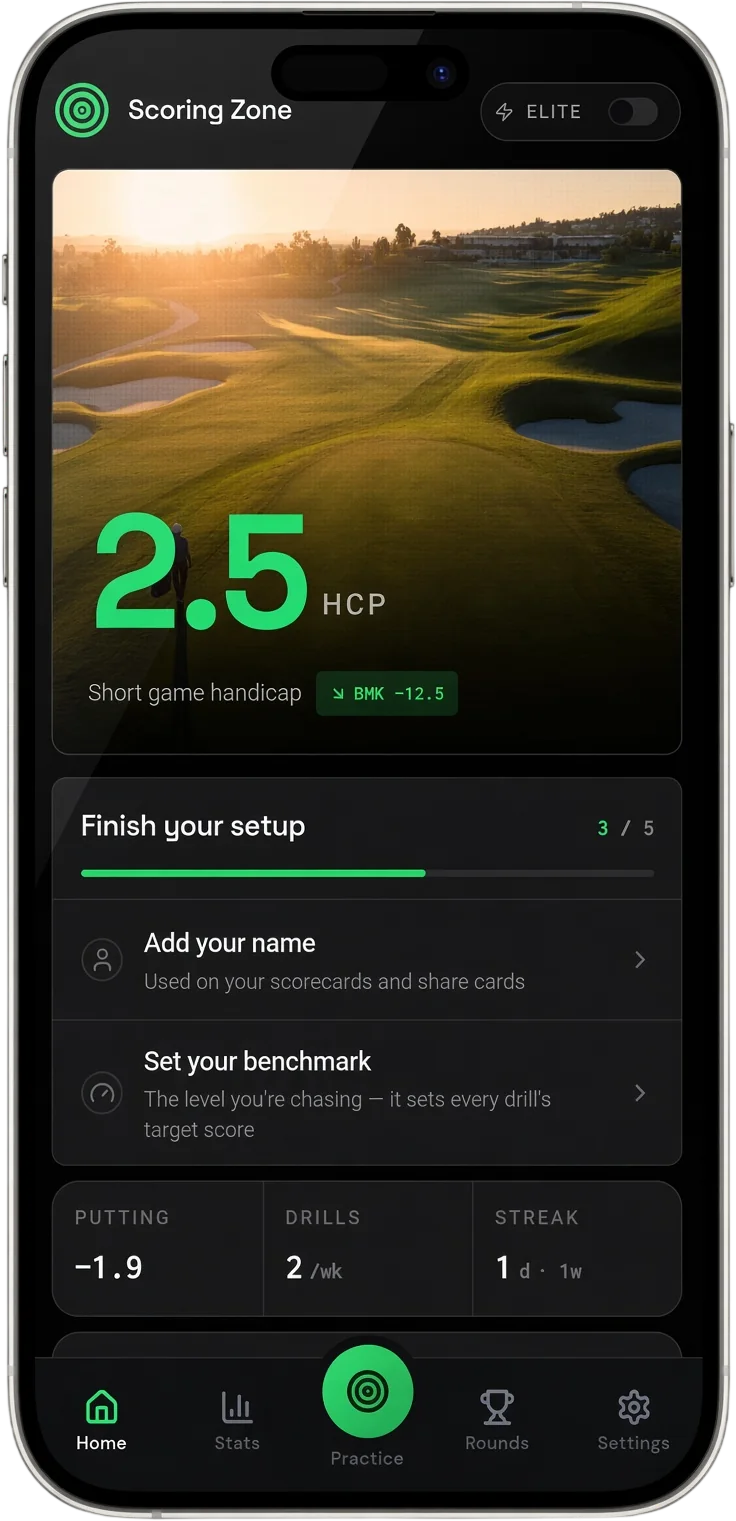
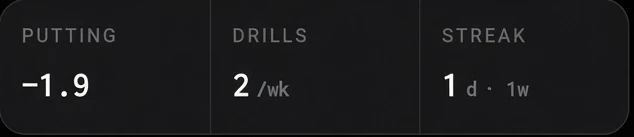
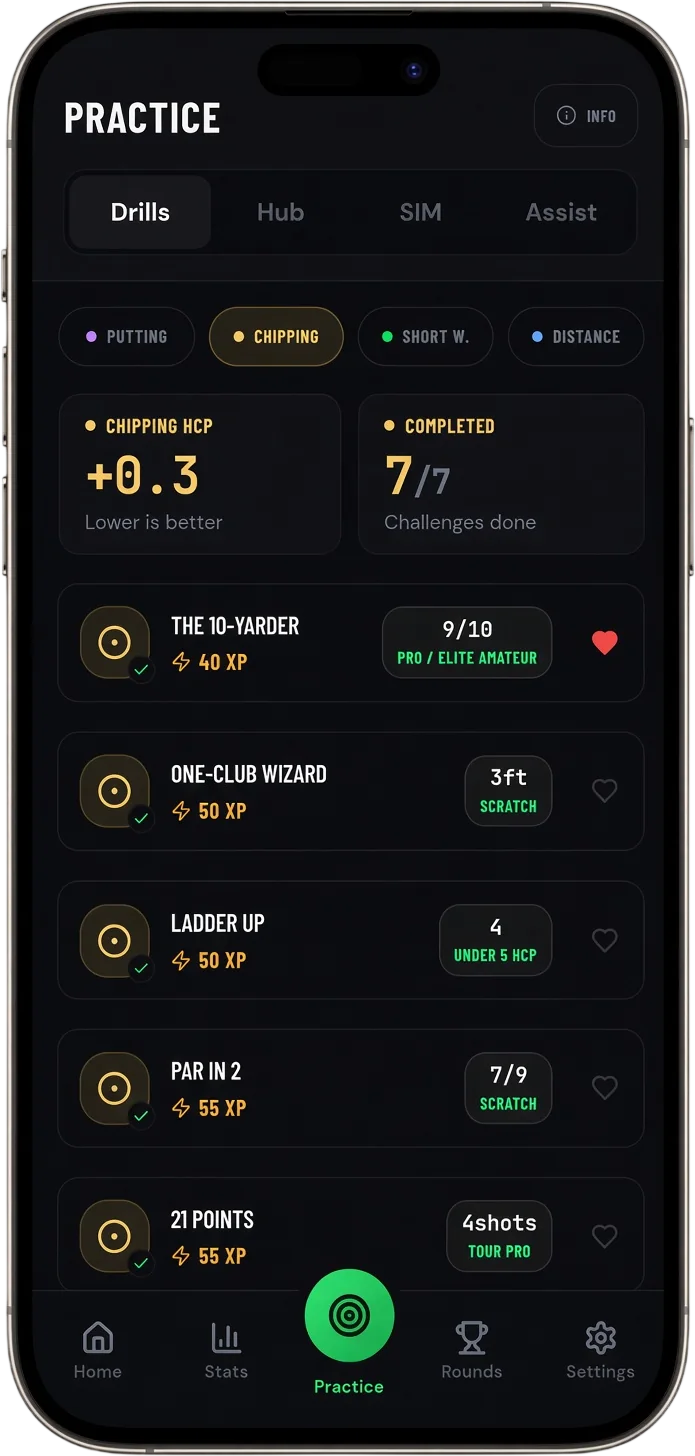
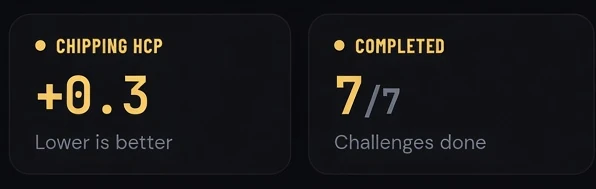
Scoring Zone is a short game practice app. Instead of tracking what happens during your rounds, it structures what happens between them: 35+ scored drills, XP progression, Performance Hub assessments that calculate a Short Game Handicap, and pressure-based drills that simulate on-course stakes.
Strengths: Deep drill library with benchmarks by handicap level. Genuine practice tracking — every session recorded, with trend data across weeks. Currently free for 7 days.
Weaknesses: Doesn’t replace a GPS app on the course — you’ll still want Arccos, Golfshot, or 18Birdies for round-time data. Not focused on full swing or driving.
Verdict: The best app for actually improving between rounds, and free for 7 days. Run it alongside a GPS app and it fills the practice gap every other app on this list leaves open. Rating: 4.8/5.
See the full Performance Hub walkthrough and Short Game Handicap explanation.
Performance Hub →Pick Arccos if cost isn’t a concern and you want the most accurate automated tracking available. Pick Shot Scope if you prefer a watch format or want to avoid ongoing subscription fees. Pick 18Birdies or Golfshot if you want a free or low-cost GPS app and don’t need deep analytics.
Practice apps are where improvement actually happens. Scoring Zone, PuttView, and CORE Golf all offer structured drills. Scoring Zone is the most drill-heavy and free for 7 days — worth trying first since there’s no cost barrier.
Run two apps. Use one for on-course data (Arccos, Shot Scope, or 18Birdies) and one for structured practice (Scoring Zone). The combination gives you the full feedback loop: round data shows you where you’re losing shots, structured practice gives you the drills to fix it, and next round confirms whether the practice worked.
This is what most improving golfers end up doing anyway. Running two complementary apps costs less than a single all-in-one app that covers both areas poorly.
There’s no single best golf app — the right one depends on what you’re trying to improve. Arccos and Shot Scope lead for on-course tracking and strokes gained data. 18Birdies and Golfshot are solid for GPS and scoring. For structured practice that improves your short game, dedicated practice apps like Scoring Zone outperform general-purpose apps.
Paid golf apps range from $5/month for basic GPS to $300+/year for full tracking suites with sensors. If you’re saving even one stroke per round from better course management or structured practice, most apps pay for themselves quickly. Try free tiers first before committing to a subscription.
The best golf apps combine accurate on-course data, meaningful practice structure, and honest feedback loops — so you know whether your practice is improving your rounds. Most apps cover only one of these areas well, which is why many golfers run two complementary apps.
GPS apps (Arccos, Golfshot, 18Birdies) focus on on-course data — yardages, scoring, and round stats. Practice apps (Scoring Zone, PuttView) focus on between-round improvement — structured drills, benchmarks, and session tracking. The ideal setup uses one of each.
For on-course use, 18Birdies has the best free GPS and scoring tier — yardages, scorecards, and basic stats with no payment. For practice and improvement, Scoring Zone is free for 7 days with 35+ scored drills and Performance Hub assessments. Many golfers run both: 18Birdies on the course, Scoring Zone between rounds.
GPS and tracking apps tell you what happened but rarely help you fix it. For actual improvement you want structured, scored practice between rounds — that’s where Scoring Zone outperforms general-purpose apps, with benchmarked short-game drills and session-to-session progress tracking. Pair it with Arccos or Shot Scope to see the on-course payoff.
7 days free
Then from $4.99/month · Cancel anytime
Start your 7-day free trial
35+ drills & tests · Short Game Handicap · Performance tracking